
Game server hosting
Simple packages, one-click installers, and a modern game panel. Get your server running in minutes.
Demo Server
CPU
18%
RAM
2.4 / 4 GB
Players
7 / 20
[Server] Done (2.1s)! For help, type 'help'
[Server] Player Steve joined the game
>say Welcome to the server
- Games supported
- 58+
- Avg. setup time
- 60s
- Uptime SLA
- 99.9%
- Expert support
- 24/7






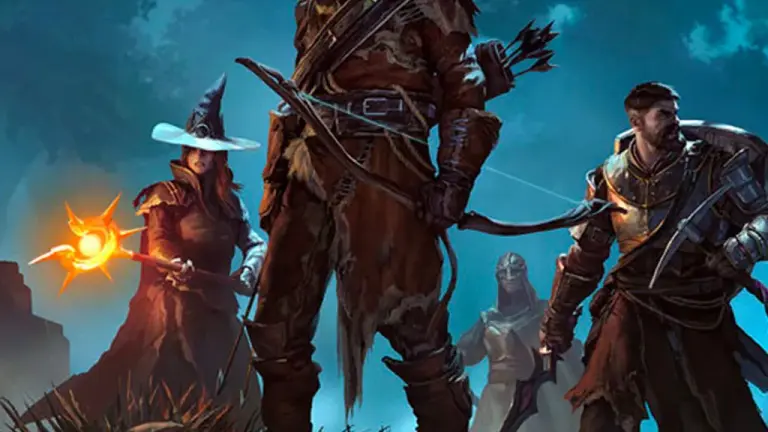

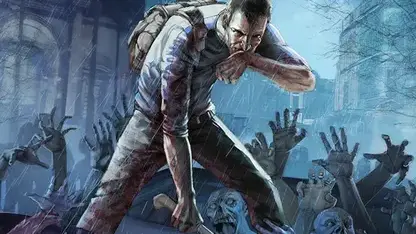
Included with every server
Why players pick DoomHosting
No investors to please and no outsourced help desk. We run the hardware, build the panel and answer the tickets ourselves, so everything below is included from day one.
DDoS protection
Always-on filtering at the network edge. Your server keeps its IP and stays reachable while an attack is being scrubbed.
Always-onFaster storage
High-speed SSD storage on every node, so world saves, chunk loads and modpack boots never wait on a slow disk.
100% SSDHigh performance
Ryzen 9 hardware with high single-core clocks, which is what game servers actually scale on.
Ryzen 9Instant setup
From checkout to online in about 60 seconds. The installer starts the moment your payment clears.
Online in ~60sDedicated support
Real people who run game servers themselves, on tickets and Discord, around the clock.
24/7, in-houseGlobal locations
Servers in Europe and North America, and you can move between regions right from the panel.
EU + NAGLOBAL PRESENCE
Global locations

CUSTOMER TESTIMONIALS
What our customers say
 Jan 23, 2026
"Reliable hosting, great uptime, low ping. Perfect for multiplayer with friends."
Jan 21, 2026"Deployed in minutes, smooth sessions. Quick support for config questions."
Dec 28, 2025"Consistent speed and low latency. Simple administration saves time. Global locations ensure a great experience."
Aug 12, 2020"Super Host! The owners strive to make the customer experience great."
Mar 16, 2023"Excellent service. Offers game servers with high uptime at a good price."
Aug 27, 2020"Incredibly satisfied! Very happy with the service and servers :) Powerful servers with great performance."
Blog
Guides, Tips & News
Rust November 2026 update patch notes (Nov 5): blueprint pages and books, the Uzi 9mm, gamepad support and busy servers restarting in 2 minutes instead of 10.
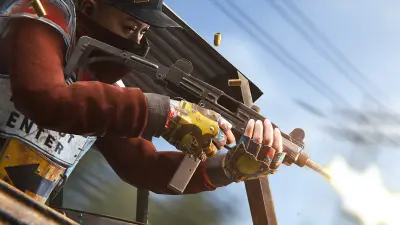
Rust November 2026 Update: Blueprint Rework, Uzi and 2-Minute Restarts
Rust November 2026 update patch notes (Nov 5): blueprint pages and books, the Uzi 9mm, gamepad support and busy servers restarting in 2 minutes instead of 10.
Read More
Satisfactory Crossplay Update: PS5, Xbox and PC, but Not Dedicated Servers
Satisfactory crossplay is live in patch 1.2.5.0 (Nov 4, 2026) for Steam, Epic, PS5 and Xbox. Why dedicated servers are left out and what server owners should do.
Read More
ETS2 Iceland DLC Release Date: November 10, Coaches on November 12
The ETS2 Iceland DLC releases November 10, 2026, with Coaches on November 12. 14 cities, Ring Road, ferry routes and what Convoy server hosts need to do.
Read More